mirror of
https://github.com/arch3rPro/1Panel-Appstore.git
synced 2026-04-14 16:07:13 +08:00

3.9 KiB
3.9 KiB
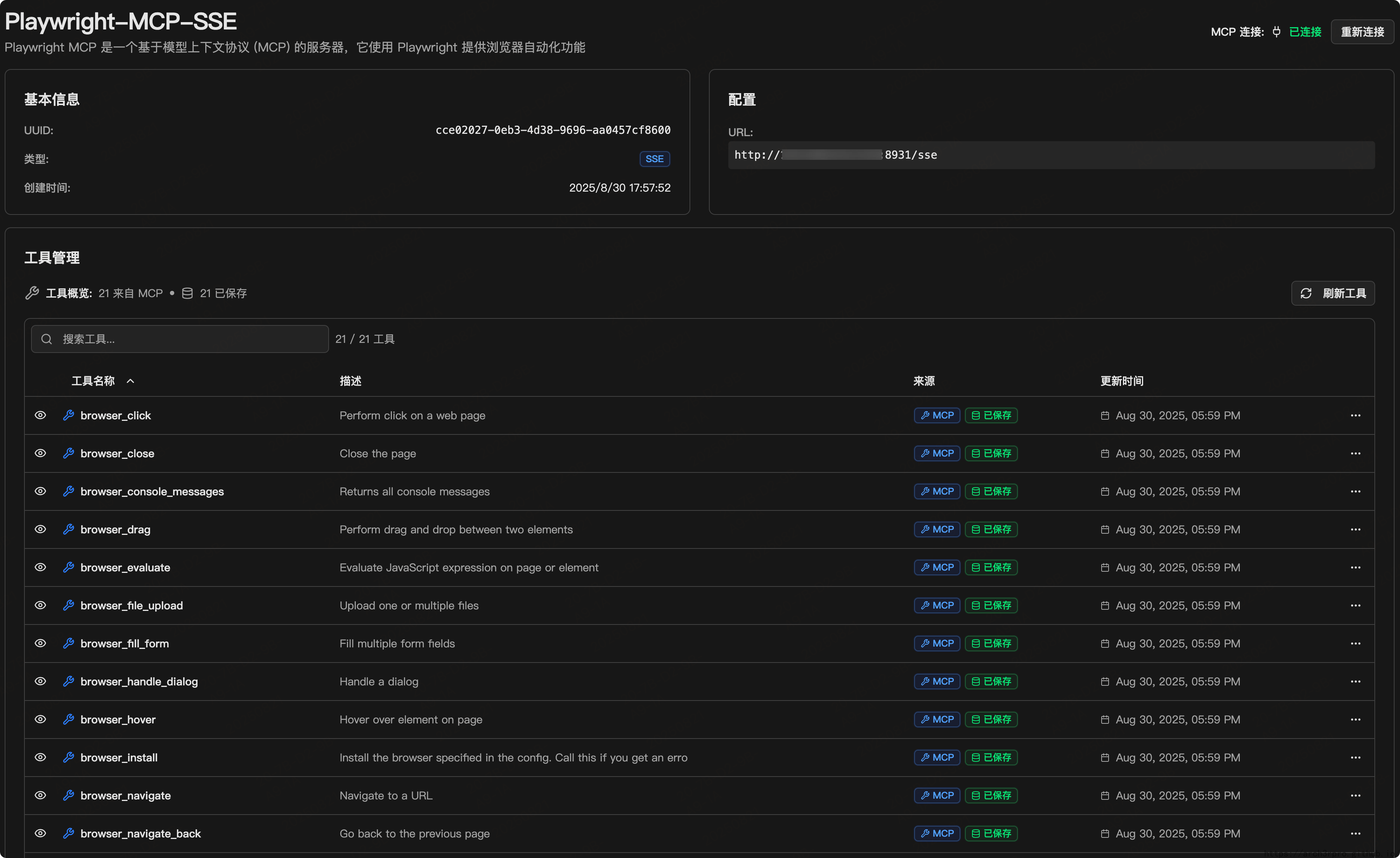
Playwright MCP
A Model Context Protocol (MCP) server that provides browser automation capabilities using Playwright. This server enables LLMs to interact with web pages through structured accessibility snapshots, bypassing the need for screenshots or visually-tuned models.

✨ Key Features
- 🚀 Fast and Lightweight: Uses Microsoft official MCP image, pre-configured and ready
- 🤖 LLM-Friendly: No vision models needed, operates purely on structured data
- 🎯 Deterministic Tool Application: Avoids ambiguity common with screenshot-based approaches
- 🌐 Multi-Browser Support: Supports Chromium, Firefox, and WebKit
- 🔧 Highly Configurable: Supports various configuration options and running modes
- 📦 Official Image: Uses
mcr.microsoft.com/playwright/mcpofficial image
📋 System Requirements
- Node.js 18 or newer
- Docker environment
- 1Panel control panel
🚀 Quick Start
1Panel Deployment
-
Search for "Playwright MCP" in the 1Panel app store
-
Click install and configure the following parameters:
- Port: Service access port (default: 8931)
- Browser Type: Choose Chromium, Firefox, or WebKit
- Headless Mode: Whether to enable headless mode
- Viewport Size: Browser viewport dimensions (format: width,height)
- User Agent: Custom browser user agent string
-
Click confirm to install
Accessing the Service
After installation, you can access via:
- HTTP Endpoint:
http://your-server-ip:port/mcp - Health Check:
http://your-server-ip:port/mcp
⚙️ Configuration Guide
Browser Types
- Chromium: Recommended choice, best compatibility
- Firefox: Gecko engine, suitable for specific testing needs
- WebKit: Safari kernel, suitable for Apple ecosystem testing
Running Modes
- Headed Mode: Shows browser interface, suitable for debugging
- Headless Mode: Runs in background, suitable for production, better performance
Viewport Configuration
- Format:
width,height(e.g., 1920,1080) - Affects page rendering and responsive layout
- Recommended to use common resolutions
🔌 MCP Client Integration
VS Code
{
  "mcpServers": {
    "playwright": {
      "url": "http://your-server:8931/mcp"
    }
  }
}
Claude Desktop
{
  "mcpServers": {
    "playwright": {
      "url": "http://your-server:8931/mcp"
    }
  }
}
📊 Performance Optimization
- Enable headless mode to reduce resource consumption
- Choose appropriate viewport size to avoid unnecessary rendering
- Regularly clean user data directory
- Monitor container resource usage
🐛 Troubleshooting
Common Issues
-
Service Won't Start
- Check if port is already in use
- Verify Docker container status
- Check container logs
-
Browser Launch Fails
- Verify browser type configuration
- Check if system resources are sufficient
- Confirm dependencies are installed
-
Connection Issues
- Check firewall settings
- Verify network configuration
- Confirm port mapping is correct
Log Viewing
# View container logs
docker logs playwright-mcp

# Follow logs in real-time
docker logs -f playwright-mcp
🔗 Related Links
📄 License
This project follows the open source license of the original project. For details, please refer to the official repository.
🤝 Contributing
Welcome to submit Issues and Pull Requests to help improve this application configuration.