 arch3rPro
SearXNG Introduction
Overview
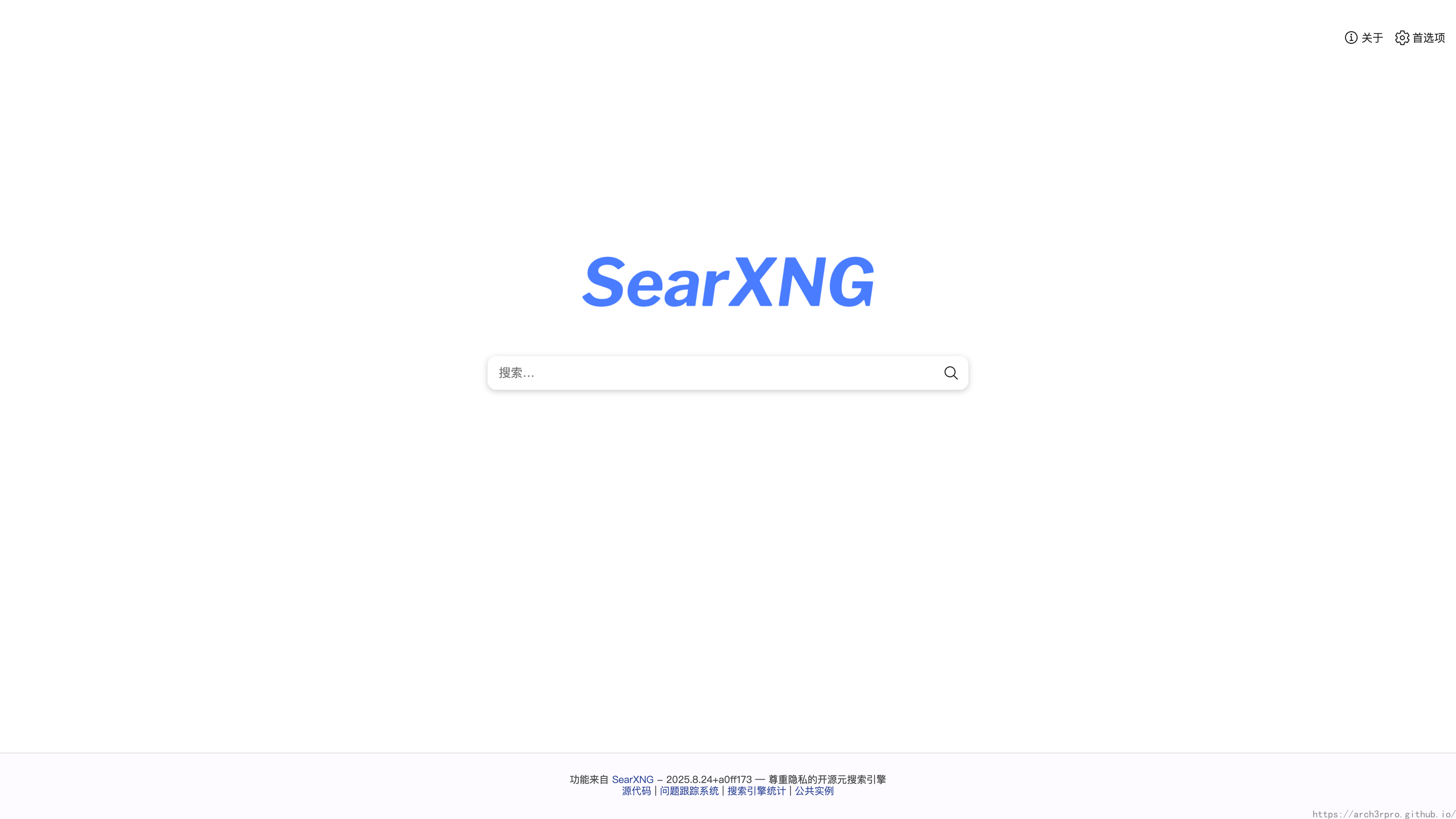
SearXNG is an open-source metasearch engine designed to protect user privacy and provide an ad-free, tracking-free search experience. It aggregates results from multiple mainstream search engines (such as Google, Bing, DuckDuckGo, Baidu, etc.), supports self-hosted deployment, and gives users complete control over their search data. SearXNG is a modernized fork of the SearX project, featuring a more active community and continuous feature updates.


Key Features
- Privacy Protection: Does not record user search history, does not track user behavior, supports anonymous searching.
- Multi-engine Aggregation: Supports dozens of mainstream and vertical search engines, with customizable result sorting and filtering.
- Customization & Extension: Supports plugins, themes, API extensions, with highly customizable interface and functionality.
- Open Source Self-hosting: Based on Python, supports Docker deployment, suitable for personal and enterprise self-hosting.
- Ad-free Experience: Ad-free by default, clean interface, focused on search itself.
- Multi-language Support: Built-in multilingual interface, suitable for global users.
- API Support: Provides RESTful API, convenient for integration into other applications or automation workflows.
- Security: Supports HTTPS, anti-crawling, rate limiting and other security mechanisms.
MCP Integration
SearXNG supports integration with MCP (Model Context Protocol) and other intelligent applications through API, enabling intelligent extension of search capabilities. Typical integration methods are as follows:
-
Enable SearXNG API
Enable API support insettings.ymlto ensure external applications can access search results through HTTP requests.server: bind_address: "0.0.0.0" port: 8080 secret_key: "your_secret" api: enabled: true -
Configure SearXNG as Search Plugin on MCP Side
Add SearXNG search plugin in the MCP platform, configure API address (such ashttp://your-searxng-instance:8080/search?q={query}&format=json), and set up parameter mapping. -
Request and Response Example
MCP accesses SearXNG API through HTTP GET requests, obtains JSON format search results, and uses them for context completion, intelligent Q&A and other scenarios.GET /search?q=OpenAI&format=json HTTP/1.1 Host: your-searxng-instance:8080 -
Security and Permissions
It is recommended to set access control for SearXNG API (such as IP whitelist, API keys, etc.) to prevent unauthorized access. -
Advanced Integration
Can be combined with SearXNG's custom filters and plugin mechanisms to achieve richer search capabilities, such as automatic summarization, result deduplication, content classification, etc., to enhance the search experience of MCP intelligent applications.
For detailed deployment and integration documentation, please refer to SearXNG Official Documentation and MCP platform related instructions.