mirror of
https://github.com/arch3rPro/1Panel-Appstore.git
synced 2026-04-14 16:07:13 +08:00

3.3 KiB
3.3 KiB
Verysync
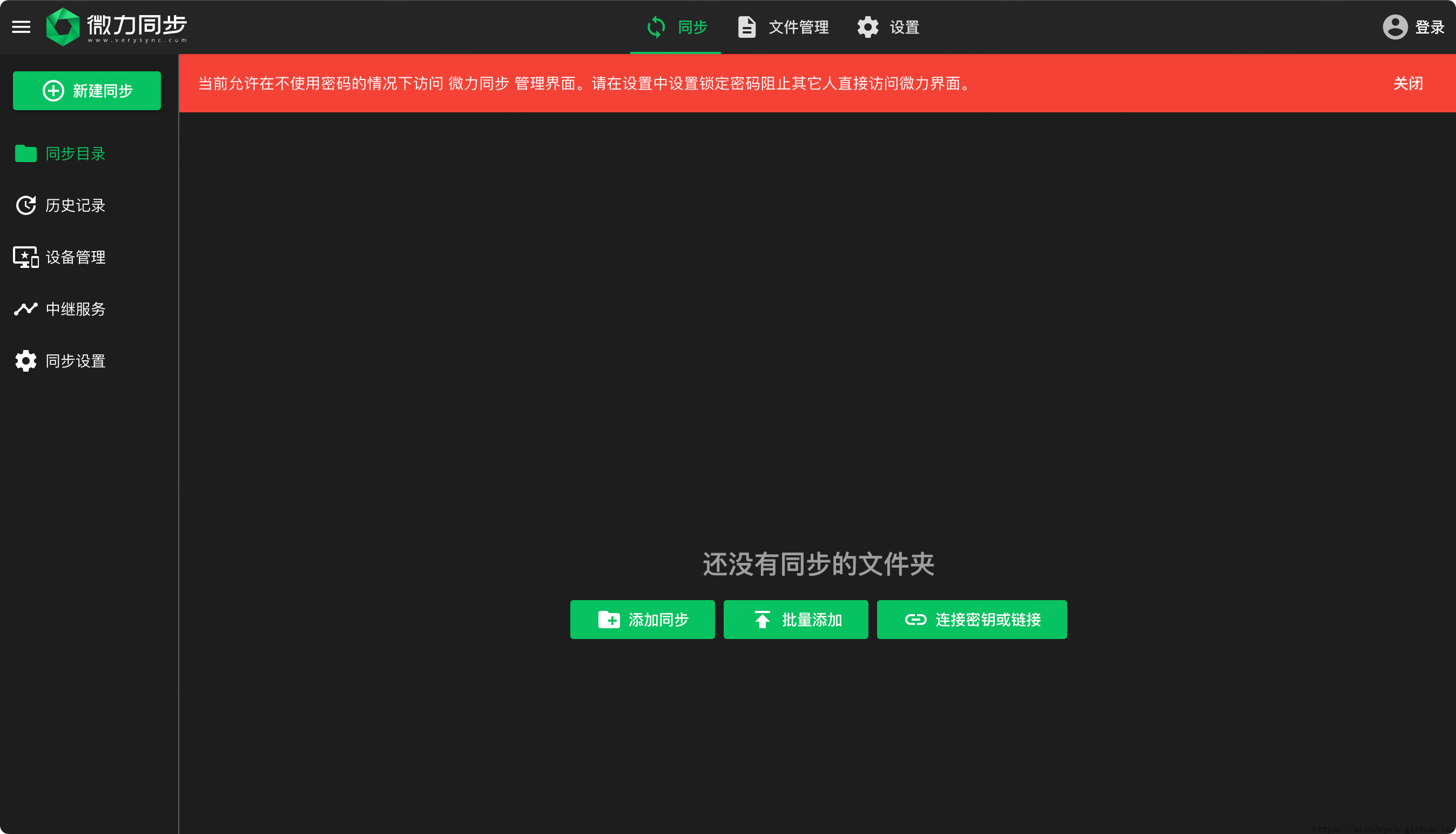
Verysync is a fast file synchronization tool based on intelligent P2P technology. It supports multi-platform deployment and is suitable for home, enterprise, and developer scenarios.

Port Description
- 8886: Web management port (main port, set by variable)
- 22330: Data transfer port (set by variable)
- 3000: Public relay port (optional, not mapped by default)
- 22027/22037: LAN UDP discovery ports (optional, not mapped by default)
Quick Deployment (Docker Example)
services:
  verysync:
    image: jonnyan404/verysync:v2.20.1
    container_name: verysync
    ports:
      - "${PANEL_APP_PORT_HTTP}:8886"   # Web management port
      - "${VERYSYNC_TRANSFER_PORT}:22330"   # Data transfer port
      # - "3000:3000"         # Public relay port (optional)
      # - "22027:22027/udp"   # LAN UDP discovery port (optional)
      # - "22037:22037/udp"   # LAN UDP discovery port (optional)
    volumes:
      - "${VERYSYNC_DATA_PATH}:/data"
    restart: unless-stopped
Config & data directory (in container):
/data. It is recommended to mount a host directory for persistence.
Main Features
- Fast P2P Sync: Intelligent P2P acceleration, file chunking, high-speed transfer.
- Multi-Platform Support: Compatible with Windows, Linux, macOS, NAS, Docker, etc.
- Data Encryption: Full AES encryption for data security.
- Web UI: Intuitive web management, multi-user support.
- Flexible Sync Strategies: Supports one-way/two-way sync, scheduled sync, and more.
- Multi-Architecture Images: Supports amd64, arm64, armv7, etc.
Deployment Modes
Verysync provides two Docker deployment modes:
- Host network mode (recommended):
- Uses host network, fixed port 8886, suitable for scenarios requiring full network capability.
- Bridge network mode:
- Supports custom port mapping, suitable for port isolation and unified management.
Typical Use Cases
- Multi-device file sync and backup for home/enterprise
- Data sync between NAS/servers and multiple clients
- High-speed cross-platform file transfer and sharing
- Private cloud data sync and secure backup
Platform & Architecture Support
- Windows, Linux, macOS, NAS, Docker
- Supports amd64, arm64, armv7, etc.
FAQ
- Q: Default admin port and credentials? A: Default port 8886, no password on first login, please set one after login.
- Q: How to persist config and data?
A: Mount a host directory to
/data, e.g.VERYSYNC_DATA_PATH:/data. - Q: Which platforms and architectures are supported? A: Windows, Linux, macOS, NAS, Docker; supports amd64, arm64, armv7.
- Q: How to customize ports? A: Use compose variables to set 8886/22330, other ports can be mapped as needed.
- Q: How to choose the image version? A: Check the latest version on Docker Hub.
Official Docs & Support
- Website: https://www.verysync.com/
- Install Guide: https://www.verysync.com/manual/install/docker.html
- GitHub: https://github.com/Jonnyan404/verysync