mirror of
https://github.com/arch3rPro/1Panel-Appstore.git
synced 2026-06-10 08:31:37 +08:00
 arch3rPro
Flowise
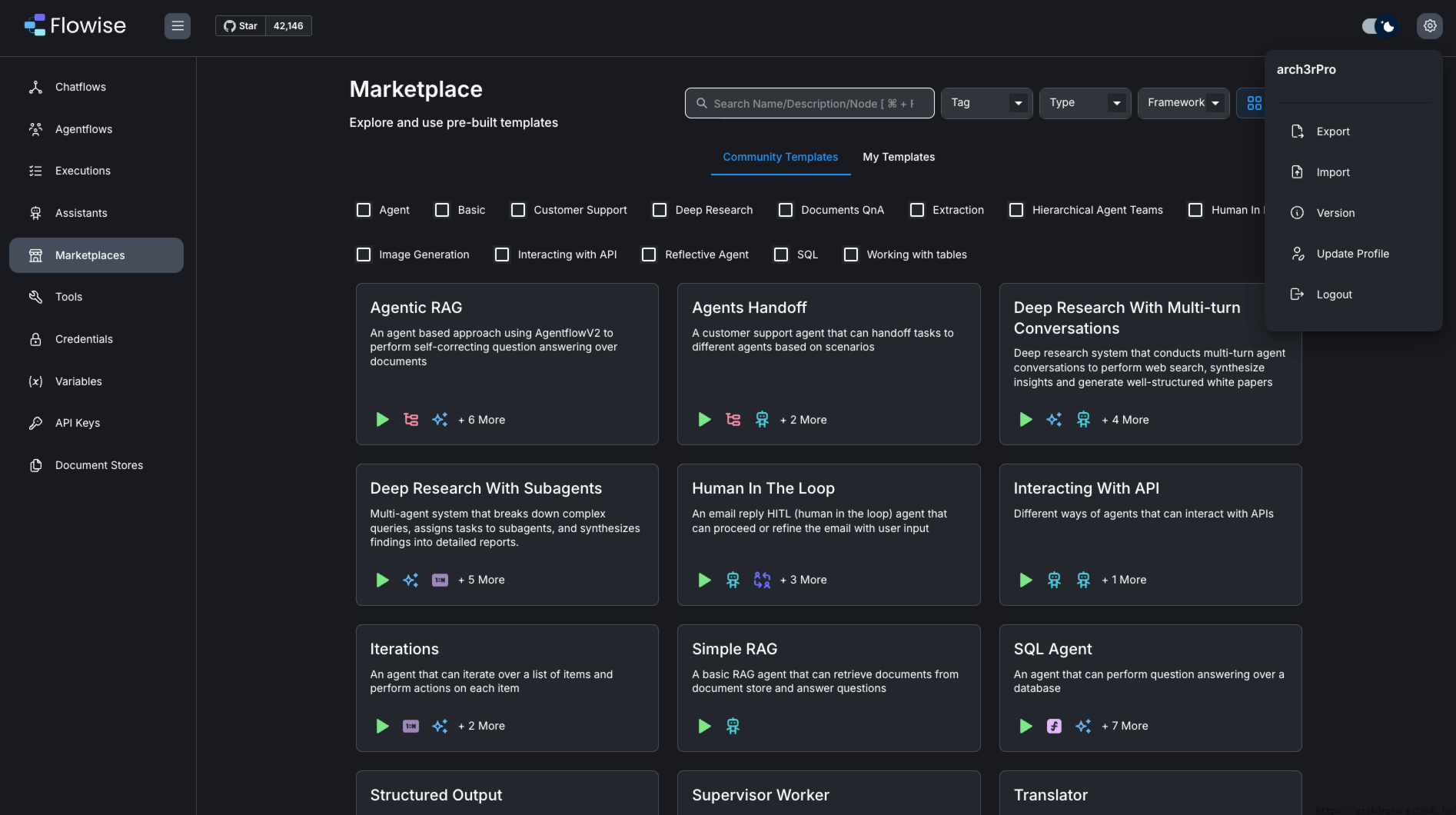
✨ Build AI/LLM Flows Visually ✨ An open-source tool to build and deploy LLM applications and AI agents visually


Introduction
Flowise is an open-source visual tool that allows users to create custom LLM (Large Language Model) flows through a drag-and-drop interface. It simplifies the process of building AI applications without requiring deep coding knowledge to create complex AI workflows.
Key Features:
- Visual Flow Building: Design and build LLM workflows through an intuitive drag-and-drop interface without writing complex code
- Multiple Model Support: Integration with various popular language models such as OpenAI, Anthropic, Google, and more
- Component-Based Design: Rich pre-built components including chat models, vector stores, memory systems, and more
- API Generation: Automatically generates API endpoints for created flows for easy integration with other applications
- Custom Agents: Build custom AI agents capable of performing specific tasks and solving complex problems
- Vector Database Integration: Support for multiple vector databases for efficient knowledge retrieval and management
- Workflow Sharing: Export and import workflow configurations for team collaboration and process sharing
- Multiple Deployment Options: Support for local deployment, Docker containerization, and cloud service deployment
Use Cases:
- Building custom chatbots and virtual assistants
- Creating question-answering systems based on specific knowledge bases
- Developing automated document processing and analysis tools
- Designing intelligent customer service and support systems
- Implementing complex multi-step AI workflows
- Building AI agents capable of performing specific tasks
Default Information
- Default username: None (Registration required for first use)
- Default access address: http://IP:3000
- Default data directory: ~/.flowise